 Tecnon Smart Display - Professional LED Display Manufacturer Logo
 Choosing the right event LED screen is not just about picking a size and placing an order. It directly affects visual impact, audience experience, setup efficiency, and overall event success. If you choose the wrong configuration, even high-quality content may look poor on site.
This buying guide explains how to select an stage LED screen step by step. The language is simple and practical, just like a real conversation with a supplier. Whether you are planning a concert, exhibition, or corporate event, this guide will help you avoid common mistakes.
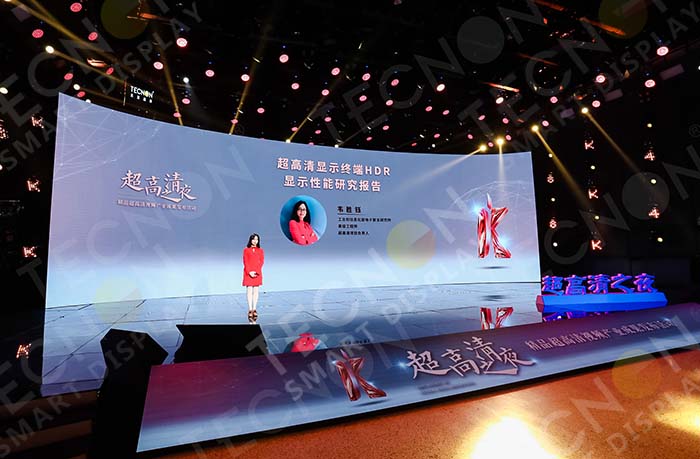
What Is an Event LED Screen and Why It Matters
An LED stage screen is a modular LED display designed for temporary or semi-permanent events. You often see it at concerts, trade shows, sports events, weddings, and product launches.
Compared with projectors or LCD screens, LED screens offer higher brightness, better color performance, and flexible sizes. They work well in bright environments and large venues. Because events are time-sensitive, reliability and fast installation also matter a lot.
Before buying or renting, you need to understand how different technical choices affect real-world performance.
Key Factors to Consider When Buying an Event LED Screen
1. Screen Size and Viewing Distance
Screen size should match your venue and audience distance. A screen that is too small looks weak. A screen that is too large wastes budget and space.
A simple rule:
- Short viewing distance → smaller pixel pitch
- Long viewing distance → larger pixel pitch
For example, an indoor conference room needs a finer display than an outdoor square. Always tell suppliers your venue size and expected viewing distance before choosing an event LED screen.
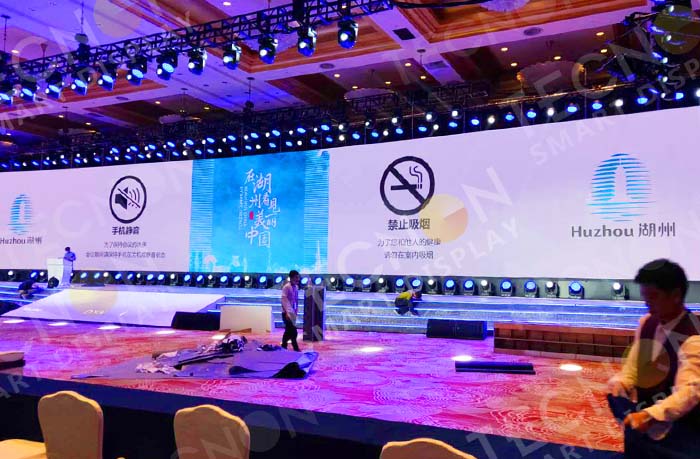
2. Pixel Pitch Selection for Event LED Screens
Pixel pitch defines resolution and image clarity. It is one of the most important parameters.
Common options include:
- P2.6 / P2.9: indoor events, close viewing
- P3.9: indoor and outdoor mixed events
- P4.8: outdoor stages and festivals
A smaller pitch gives sharper images, but it also increases cost. For most events, balance clarity and budget instead of chasing the smallest number.
3. Indoor vs Outdoor Event LED Screen
Not all event LED screens work in all environments.
Indoor
- Lower brightness
- Lighter cabinets
- Better for conferences and exhibitions
Outdoor
- High brightness for sunlight
- Waterproof and dustproof
- Stronger structure
Using an indoor screen outdoors is a common mistake. It can cause poor visibility or even damage. Always match the screen type to the environment.
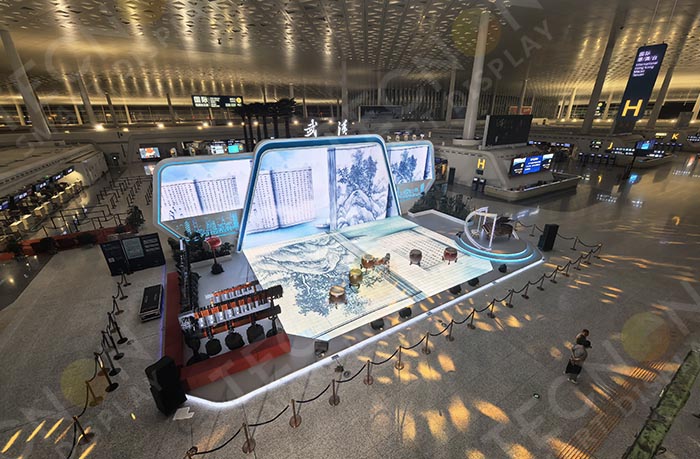
4. Brightness and Refresh Rate
Brightness affects visibility. Refresh rate affects camera performance.
For reference:
- Indoor events: around 800–1200 nits
- Outdoor events: 4500 nits or higher
A high refresh rate is important for:
- Live streaming
- TV broadcasting
- Professional photography
If your event involves filming, ask for refresh rate details when selecting an event LED screen.
5. Installation Method and Structure
Different events require different installation methods. You should choose a screen system that fits your venue and schedule.
Common options:
- Truss hanging
- Ground stacking
- Wall mounting (temporary)
Rental-style event LED screens usually support fast locking systems. This saves labor time and improves safety. If your event setup window is short, installation efficiency becomes critical.
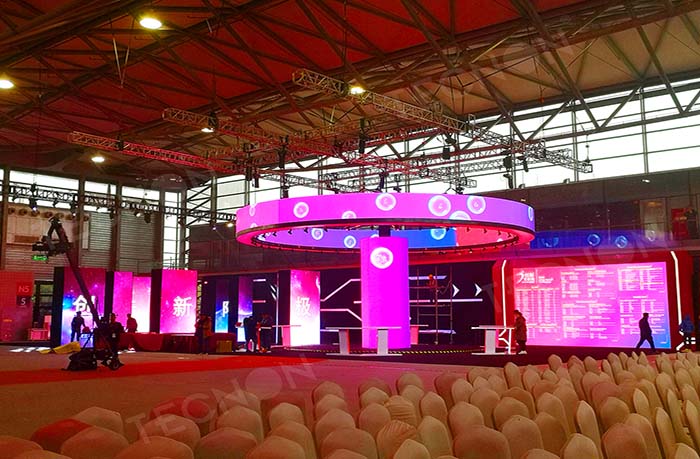
6. Rental or Purchase: Which Is Better?
Many buyers struggle with this decision.
Rental stage LED screen
- Lower upfront cost
- Suitable for one-time or occasional events
- Maintenance handled by rental company
Purchased stage LED screen
- Better for frequent use
- Lower long-term cost
- More control over configuration
If you run an event company or rental business, buying may make sense. If you organize events occasionally, renting is often the smarter option.
7. Transportation and Cabinet Design
Events often involve frequent transport. Cabinet design affects setup speed and damage risk.
Look for:
- Lightweight aluminum cabinets
- Corner protection
- Front or rear maintenance options
A well-designed event LED screen reduces transport stress and extends product lifespan.
8. Control System and Content Compatibility
The control system determines how easily you manage content.
Make sure the event LED screen supports:
- Common video formats
- Live camera input
- Multiple signal sources
Stable control systems reduce on-site technical risks. This is especially important for live events where mistakes are hard to fix.
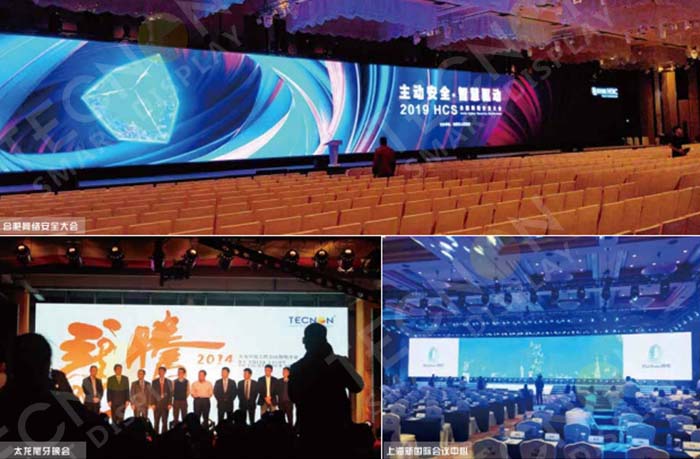
Common Mistakes When Buying an Event LED Screen
Many buyers focus only on price. This often leads to problems later.
Typical mistakes include:
- Choosing pixel pitch without considering distance
- Ignoring brightness requirements
- Underestimating installation time
- Buying without testing control compatibility
A reliable supplier should guide you through these details instead of pushing the cheapest option.
Final Tips for Stage LED Screen Procurement
Before placing an order:
- Define your event type and environment
- Confirm viewing distance and screen size
- Choose a suitable pixel pitch
- Check brightness and refresh rate
- Confirm installation method
- Decide between rental or purchase
A well-chosen event LED screen enhances your event and reduces technical stress. Clear planning always saves time and budget.